One family.
Many languages.
FamilyFeed now supports 14 languages across the app, helping every family member stay connected in the language that feels natural to them.
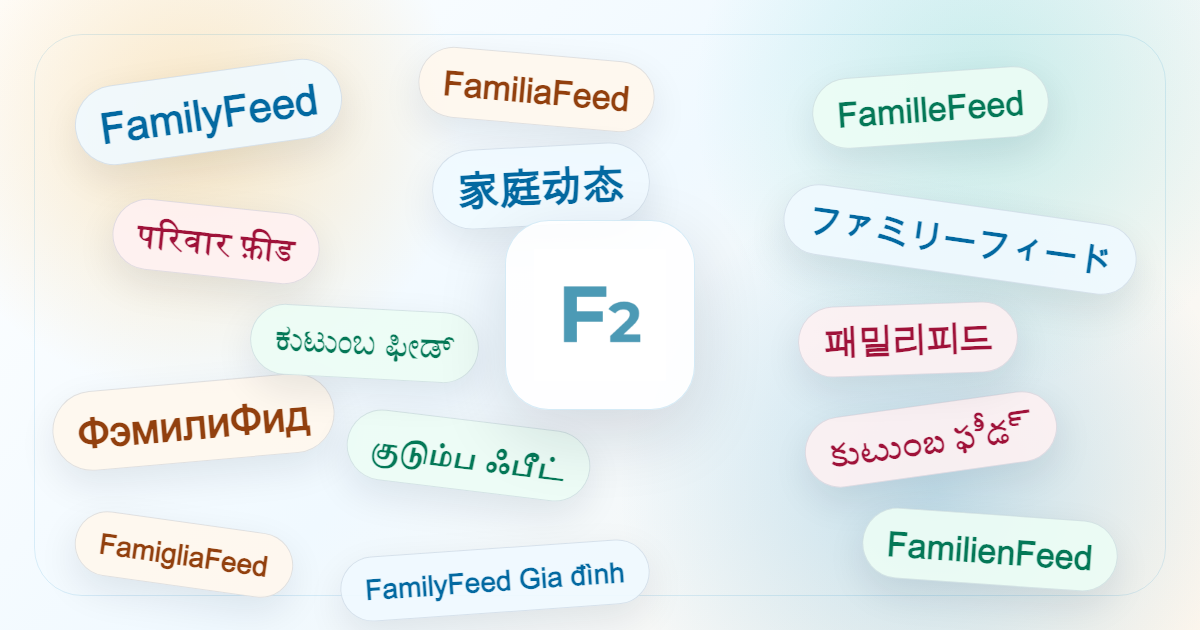
Sharing a home means sharing many worlds.
We know that for many of our users, "family" isn't limited to a single language. It might be grandparents using their native language to check appointments, parents coordinating in a shared second language, or children growing up in a bilingual home.
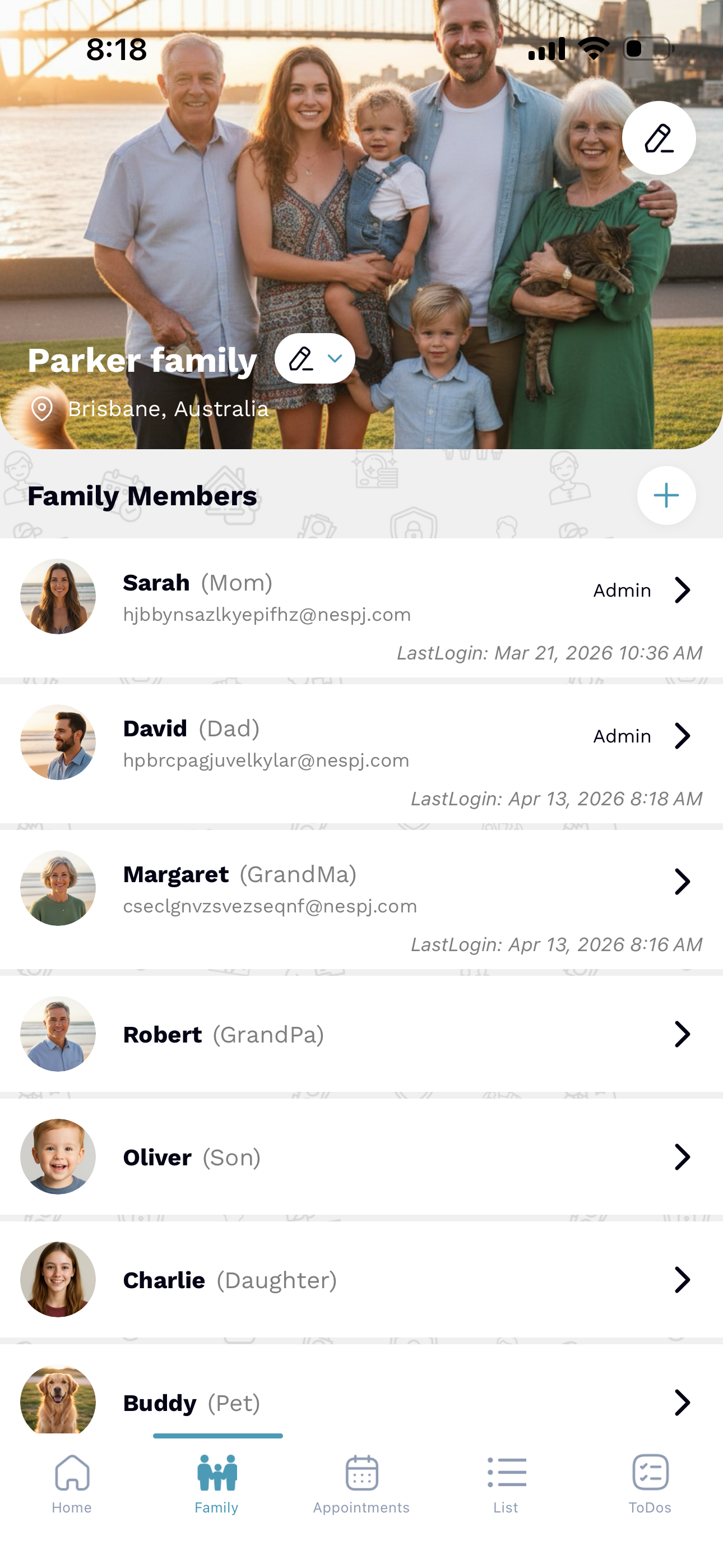
FamilyFeed now bridges that gap. We've brought every generation into the same shared family space, without forcing anyone to translate their experience.


A global home for every family
FamilyFeed is now available in these 14 languages natively.
English
Español
Français
हिन्दी
日本語
Русский
தமிழ்
తెలుగు
中文(简体)
Deutsch
Italiano
Tiếng Việt
한국어
ಕನ್ನಡ

Automatic language setup
FamilyFeed follows your phone's default language settings automatically. No complex setup menus or hidden toggles-it just works the way you do.

One family, different languages
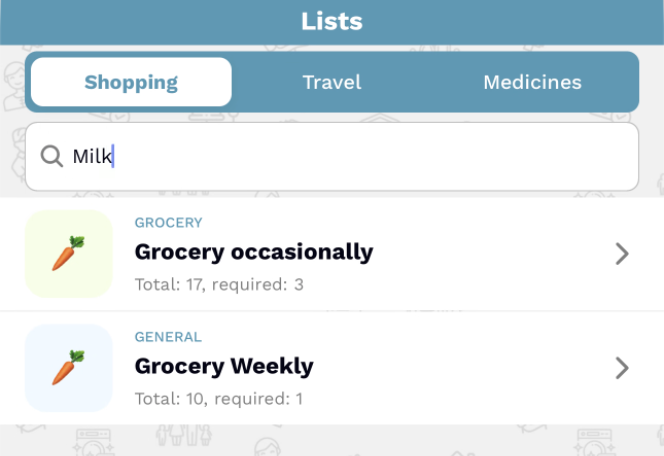
Different family members can use different languages simultaneously. While Dad views the grocery list in German, Grandma sees it in Telugu-all within the same shared space.
Image scan now works across multiple languages
Our intelligent scanning tech now understands your language, making digitizing household clutter easier than ever.

Receipt Scan
Convert paper receipts to digital finance records instantly.

Shopping Lists
Scan handwritten notes directly into your shared lists.

Medicine Labels
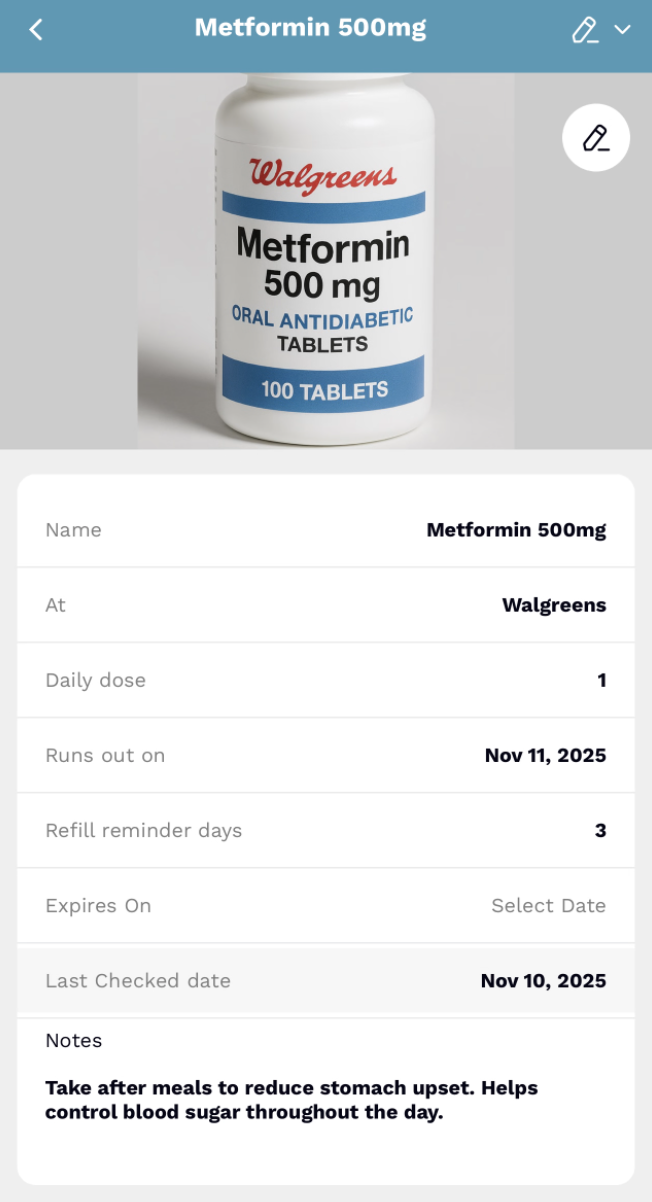
Set reminders by scanning prescriptions in your language.

Invitations
Add paper invitations to your family calendar in one tap.

"Image scan supports English plus your user's phone language, ensuring your data is captured accurately every time."
Built for global families

Care for parents
Manage health checkups for elderly parents in their native tongue.

Grandparents in loop
Involve every generation without a language barrier.

Mixed-language homes
Perfect for bilingual households where coordination is key.

Readable updates
Stay updated on family news in the language you think in.
Need to change your phone language?
FamilyFeed updates instantly when you change your system settings.
 iPhone / iOS
Settings > General > Language & Region > Add Language.
 Android
Settings > System > Languages & Input > Languages > Add a language.
Bring every generation into the same family space.
Family organization should feel natural in every language.