Search, Search, Search: Find anything across your family data
From groceries to appointments to todos, search helps you find what you need instantly, without switching between tabs.
Why search matters
As your family saves more in one app, finding things quickly becomes important. A grocery item from last week, a todo hidden inside an event, or a doctor’s appointment from months ago all add up.
Instead of opening every tab and scrolling, you can simply search. FamilyFeed makes it effortless to surface exactly what you need in seconds.
How search works
FamilyFeed search is designed to work naturally. It can match across multiple fields, meaning you can search using whatever you remember.
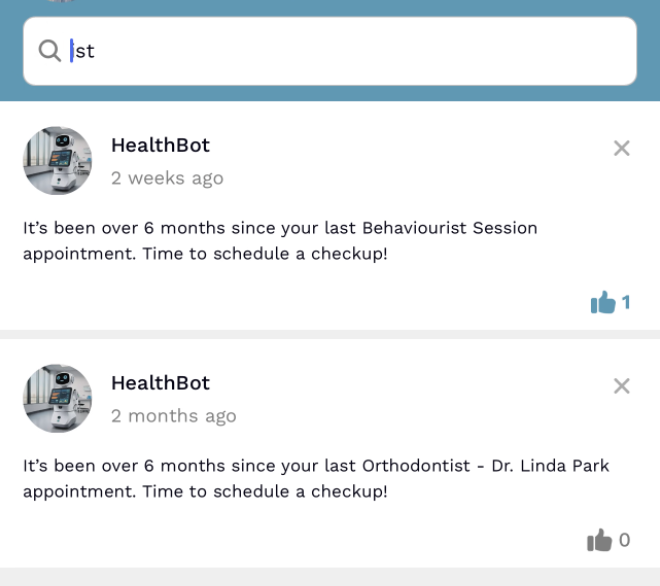
Search in Home (Feed)
Search in the Home tab helps you find bot-generated insights and reminders. It's the fastest way to check family health, grocery trends, or appointment follow-ups.
Examples
-
"dentist" -> Health reminders -
"milk" -> Grocery insights
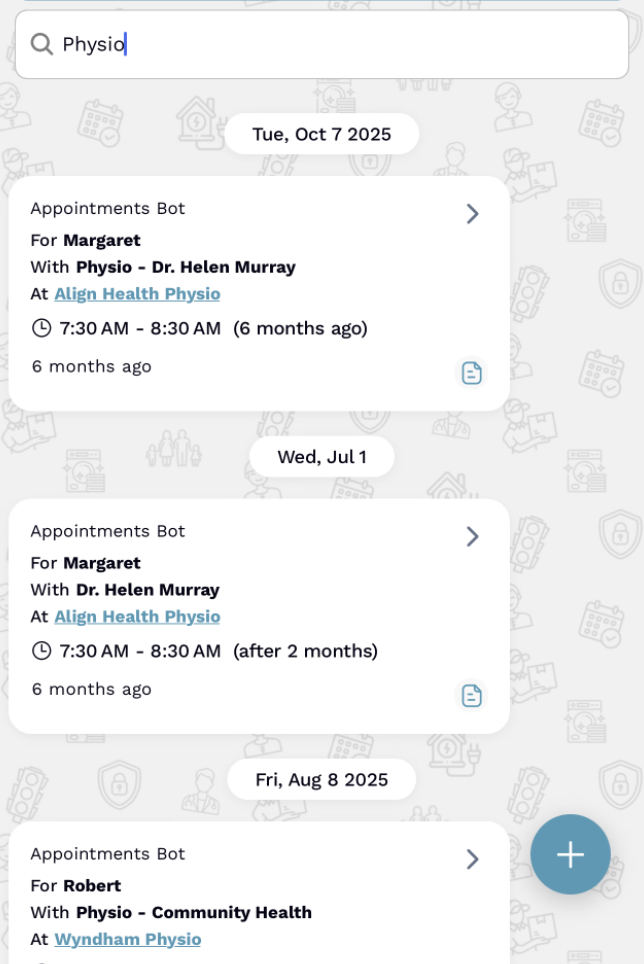
Search in Appointments
Quickly find appointments without scrolling through your calendar. Search for doctors, clinic names, locations, or even specific dates to see what's planned.
Examples
-
"Physio" -> Clinic appointments -
"Helen Murray" -> Specific doctor
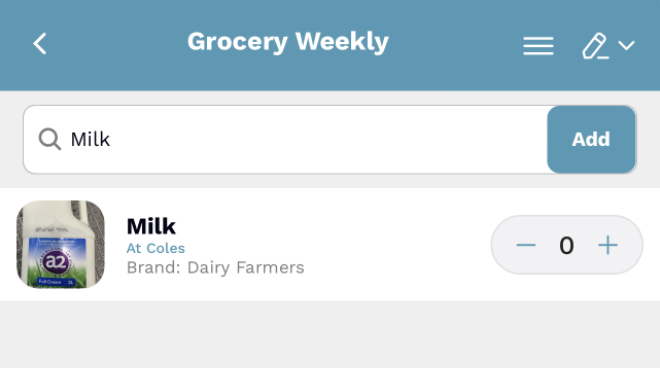
Search in Lists
Local search inside a list
Once you are inside a list, local search helps you narrow down the items in that specific list only. This is useful when a grocery, packing, or medicines list gets long and you want one item immediately.
Best for item-level lookup
Search item names and notes to find specific products without scrolling through the full checklist. It is focused, fast, and limited to the list you already opened.
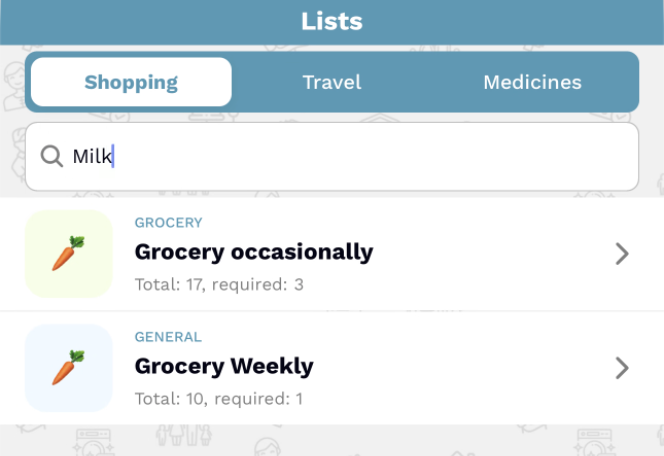
Global Search Across Lists
Global list search helps you search across all your lists at once. Instead of opening each list separately, you can search from one place and surface matching grocery, travel, medicine, or household lists instantly.
Try searching for:
-
"medicine" -> find your medicines-related lists -
"school" -> find school supplies or school prep lists
Local Search Inside an Event
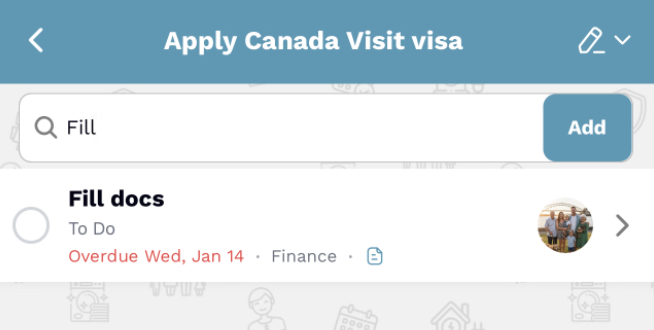
Once you are inside one event, local search helps you narrow down the tasks and notes within that event only. This is useful when a complex event contains many steps and you want to jump straight to one task.
Examples
-
"Fill" -> find "Fill docs" inside the current event -
"visa" -> surface travel-related tasks inside that event
Global Search Across Events
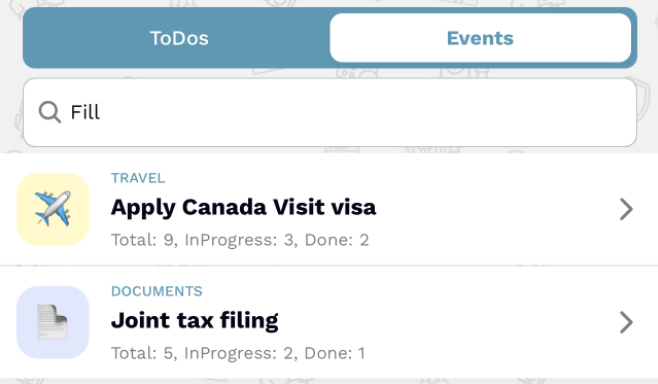
Global event search helps you search across all your events from one place. Instead of opening each event separately, you can search family-wide and find matching event tasks instantly.
Try searching for:
-
"tax" -> find matching tasks across all events -
"Canada" -> find visa-related event work across plans
Why this is powerful
Search is designed around how people actually remember things. You may remember a word, a name, or a place. Search helps you start from that and reach the right screen faster.
Comparing the Experience
| Feature | Traditional apps | FamilyFeed |
|---|---|---|
| Navigation | Manual browsing | Instant search |
| Coverage | Limited search | Across all tabs |
| History | Hard to find old data | Fast retrieval |
Final Thoughts
Search may look like a small feature, but it saves time every single day. Instead of navigating through multiple screens, you can simply type and find what you need.