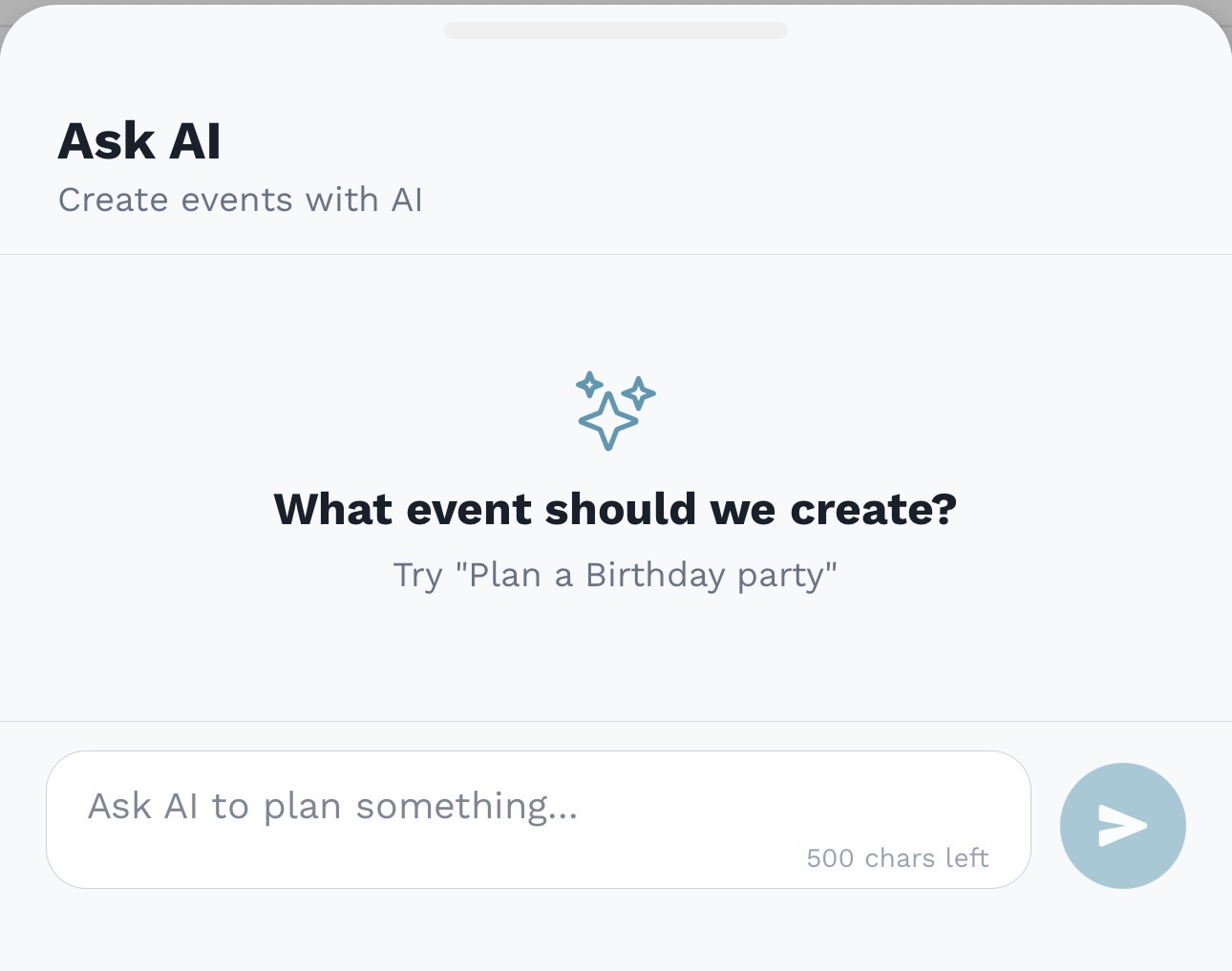
AskAI
Draft todos and events from one prompt.
AskAI can create standalone todos or event checklists from natural language, so you can review the plan before adding it to your family.
 Shared Task Management
Built for the high-coordination needs of busy households.
AskAI
AskAI can create standalone todos or event checklists from natural language, so you can review the plan before adding it to your family.
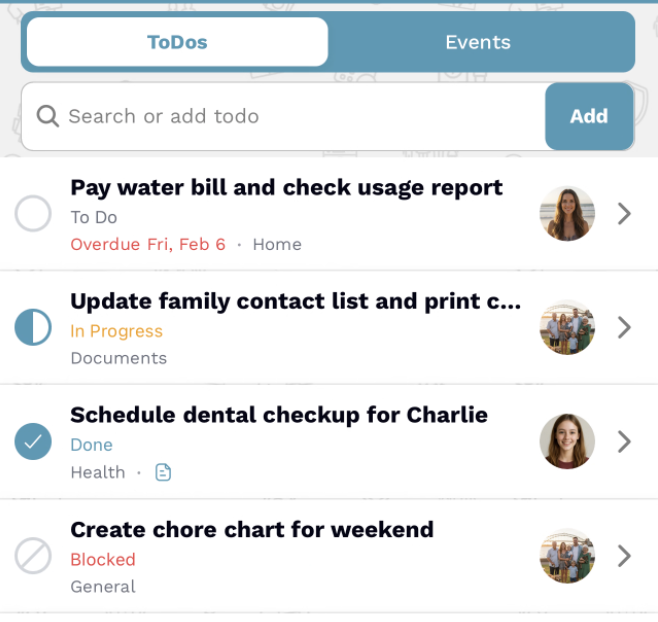 ToDos View
Dual Mode
Switch between a simple task list for daily chores and an Events view for grouped projects like school prep or travel.
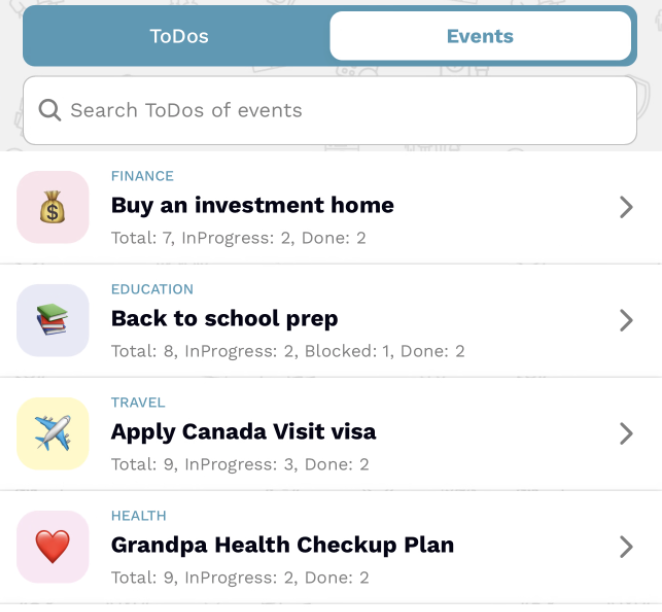 Events View
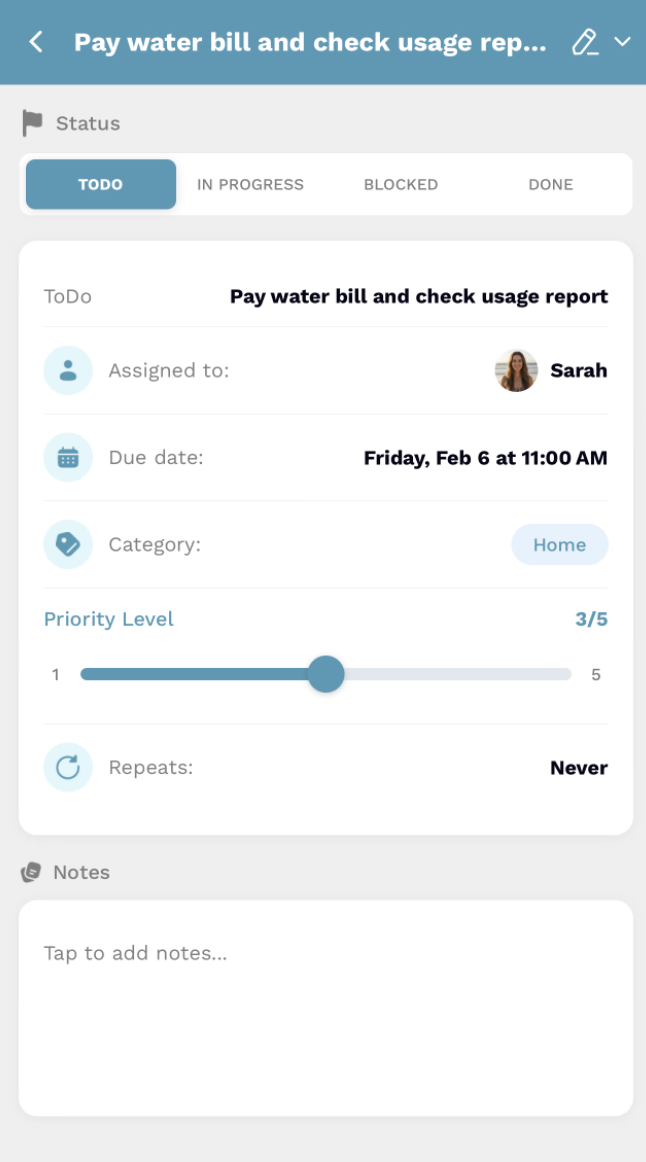
Deep Management
Every task has a dedicated detail view where you can set due dates, assign owners, track priority levels, and leave notes so nothing gets lost in translation.
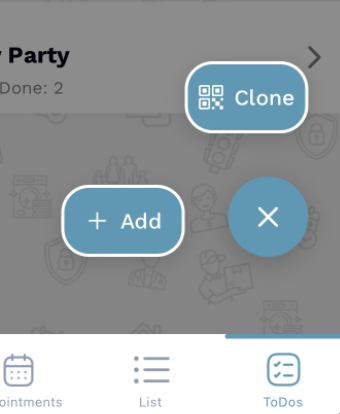
Shared Wisdom
Scan a QR code to clone entire event templates from another family for school supply lists, holiday checklists, or party planning.
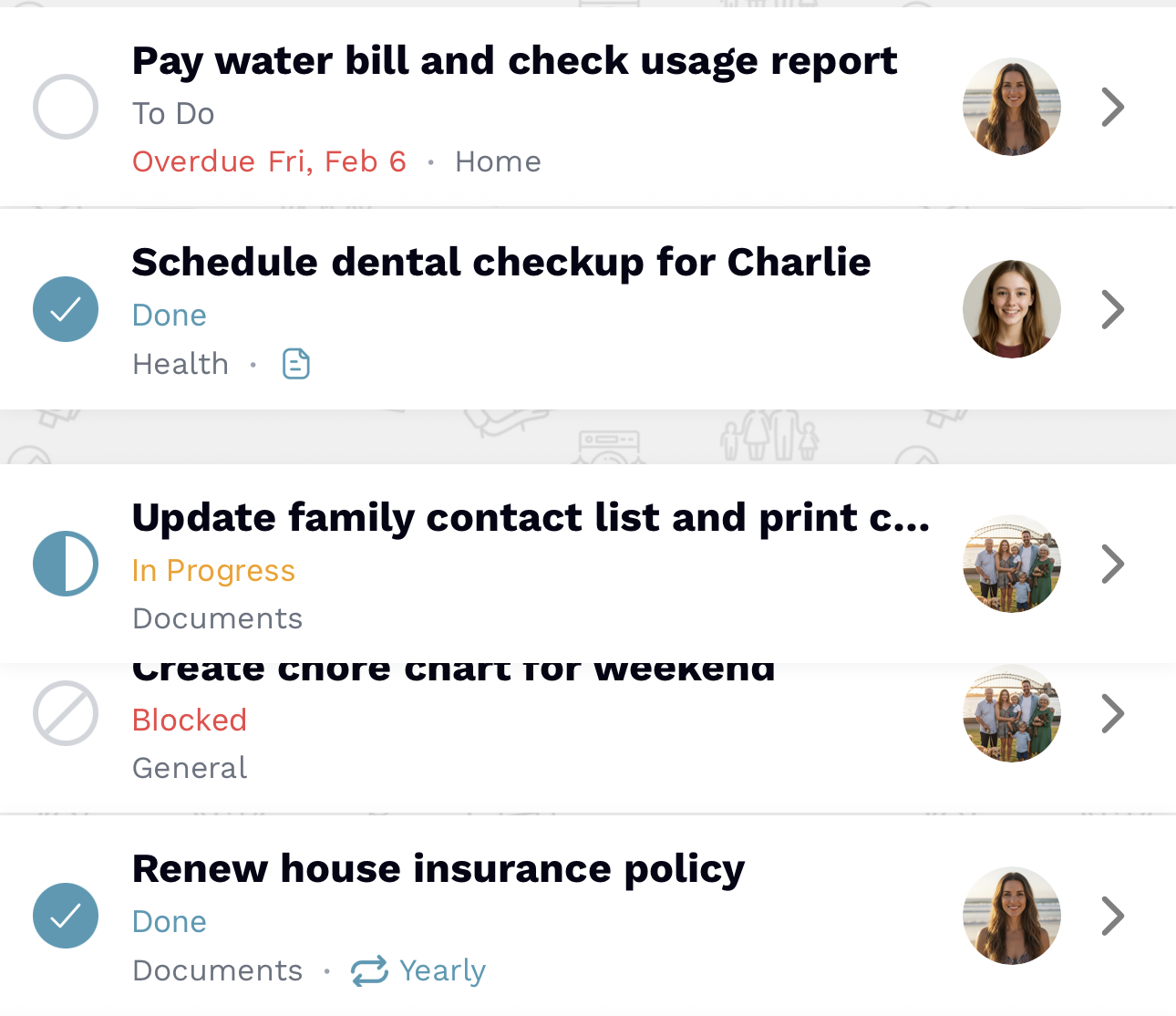
Tactile Control
Use simple drag-and-drop sorting to prioritize the day on the fly and move the most critical tasks to the top with a single swipe.
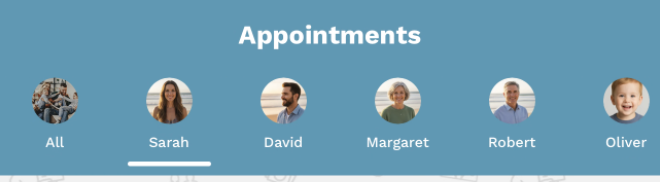
Noise Cancellation
Tap any family member avatar to instantly filter the list to just their assigned tasks for faster check-ins and clearer accountability.
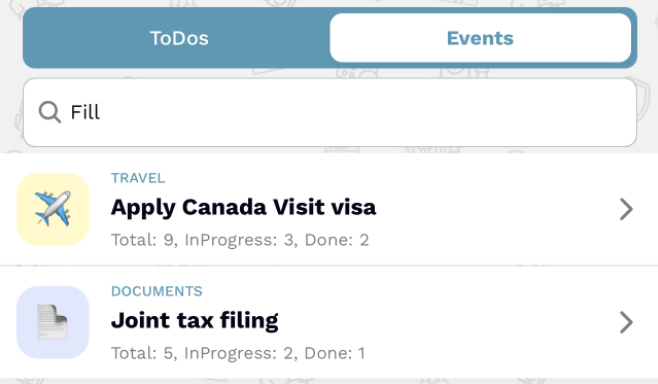 Global Search
Universal Search
Use global search across every event in your family hub, or filter tasks within a specific project with local search.
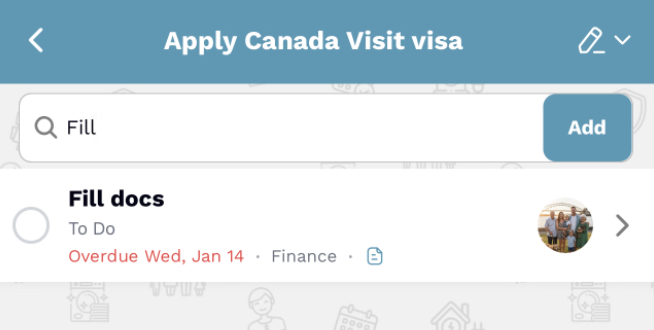 Local Search
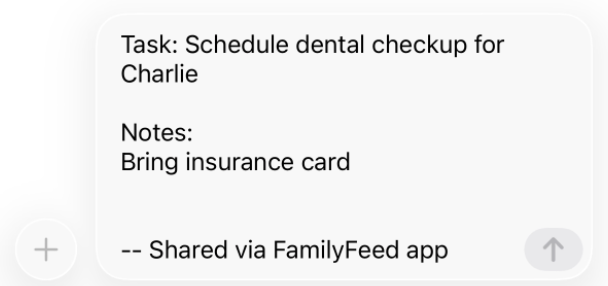 Share Task
Seamless Sharing
Export individual tasks or entire event lists as clean, organized text messages in a single tap.
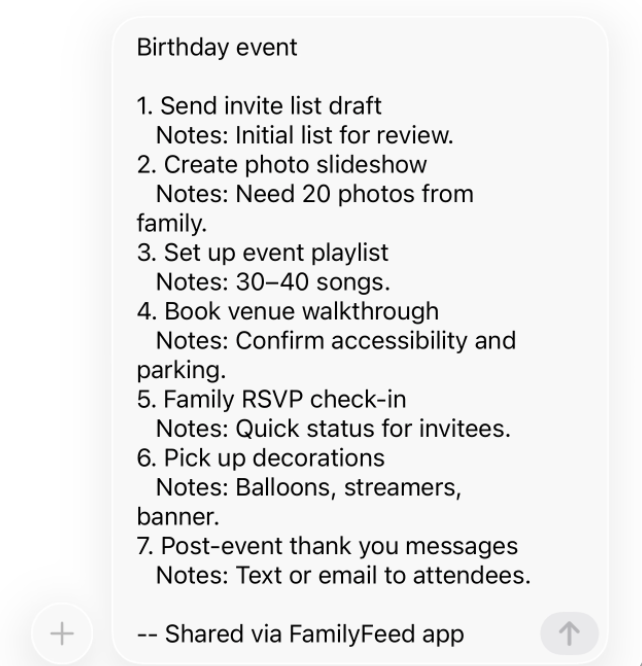 Share Event
Events groups related ToDos into projects—think vacations, school prep, or care plans—so you can see progress for each plan in one place.
Yes. Add a due date to keep tasks on track, and Tasks Bot will remind every family member before the due date.
They do. Set a repeat cadence for recurring routines so the task reappears automatically.
Categories keep similar work together, and priorities help you focus on what needs attention first.
Yes. Each event displays totals like Total, In Progress, Blocked, and Done so you can see progress at a glance.
Exporting creates a copy you can save or send in plain text, while sharing generates a QR code so another family can import the event into their own hub.
Yes. Families can create up to 50 ToDos and up to 25 Events to keep plans focused and manageable.
If you choose. Task updates can trigger optional notifications so everyone stays aligned without extra messages.
Yes. ToDos live inside your FamilyFeed hub, so you’ll need to create or join a family first.