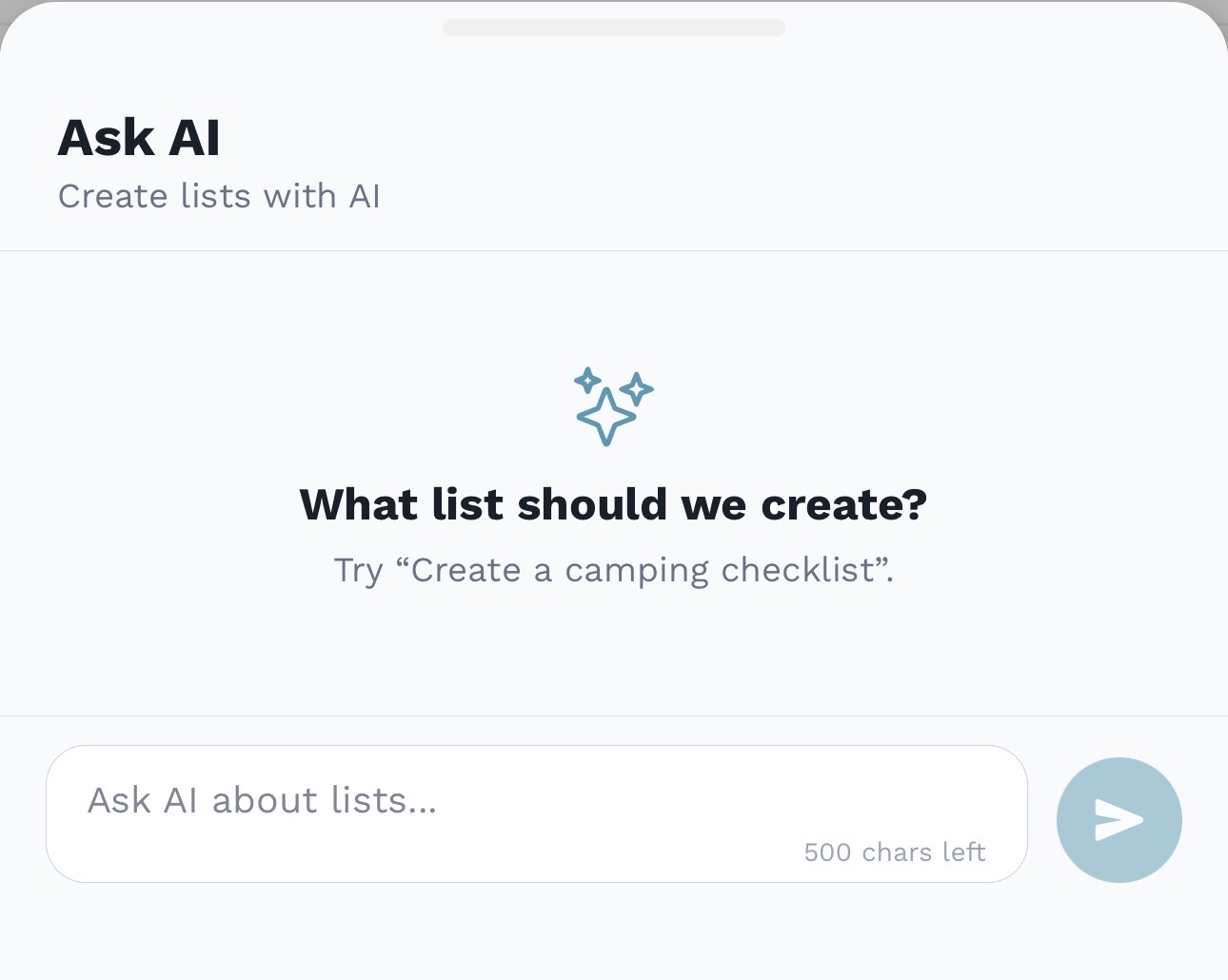
AskAI
Draft appointments from plain language.
AskAI can turn a natural-language request into an appointment draft, then you review the details before saving it to the family calendar.
 Appointments Feature
We've reimagined scheduling specifically for the chaotic, beautiful reality of modern families.
AskAI
AskAI can turn a natural-language request into an appointment draft, then you review the details before saving it to the family calendar.
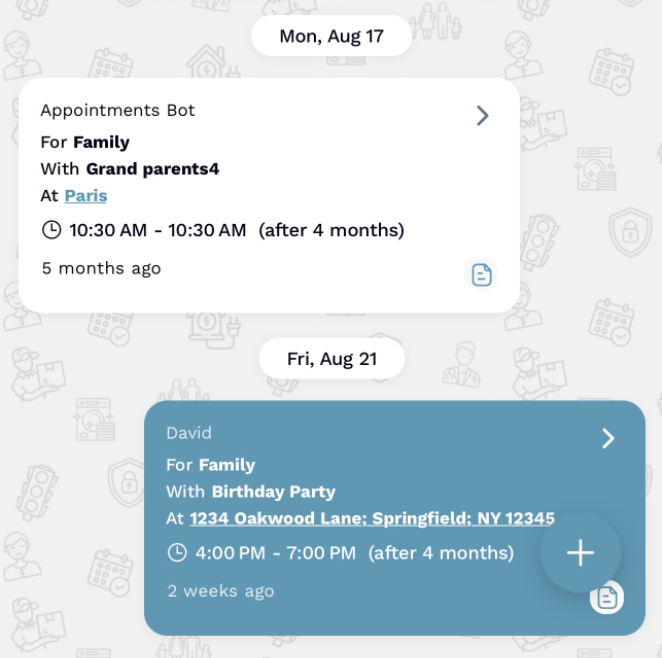 Chat View
Double Perspective
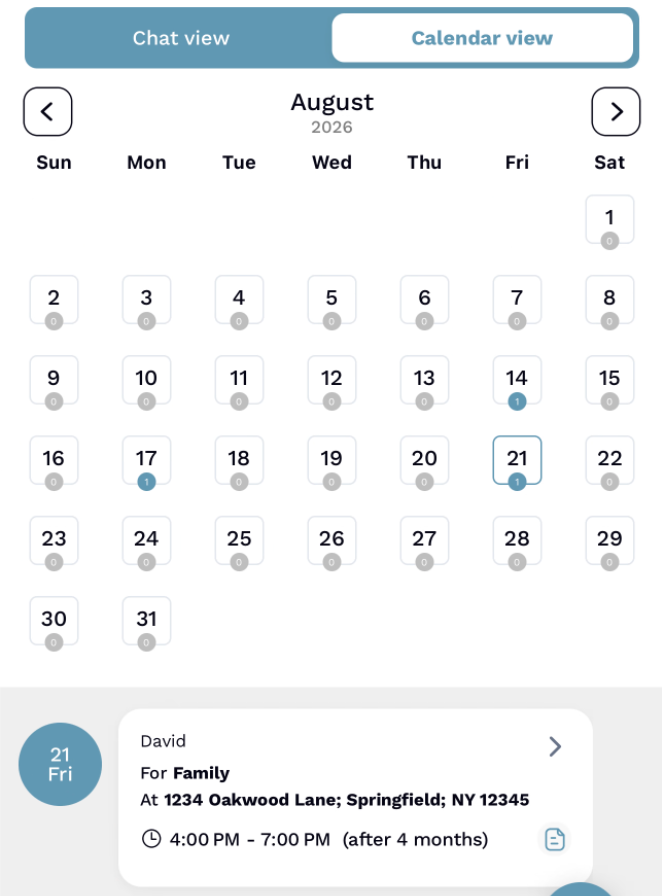 Calendar View
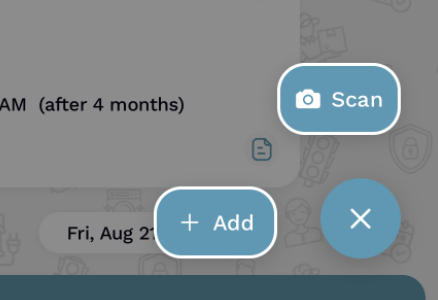
The Magic Part
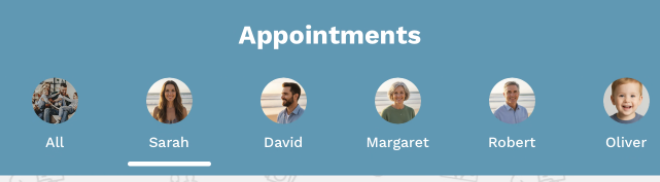
Targeted View
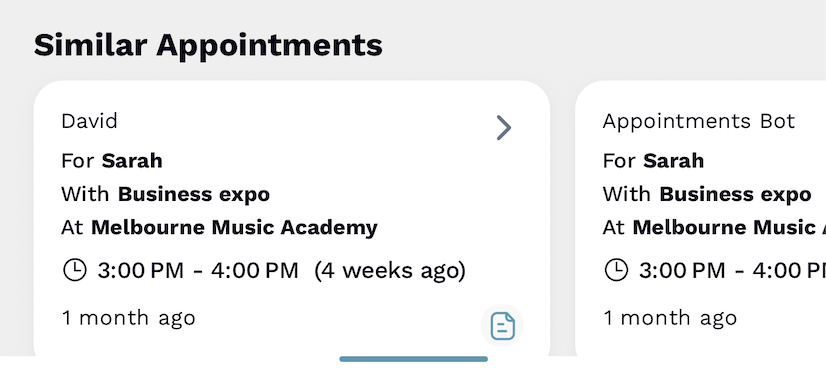
"FamilyFeed spotted my last dentist visit and helped me book the follow-up in seconds."
Smart Coordination
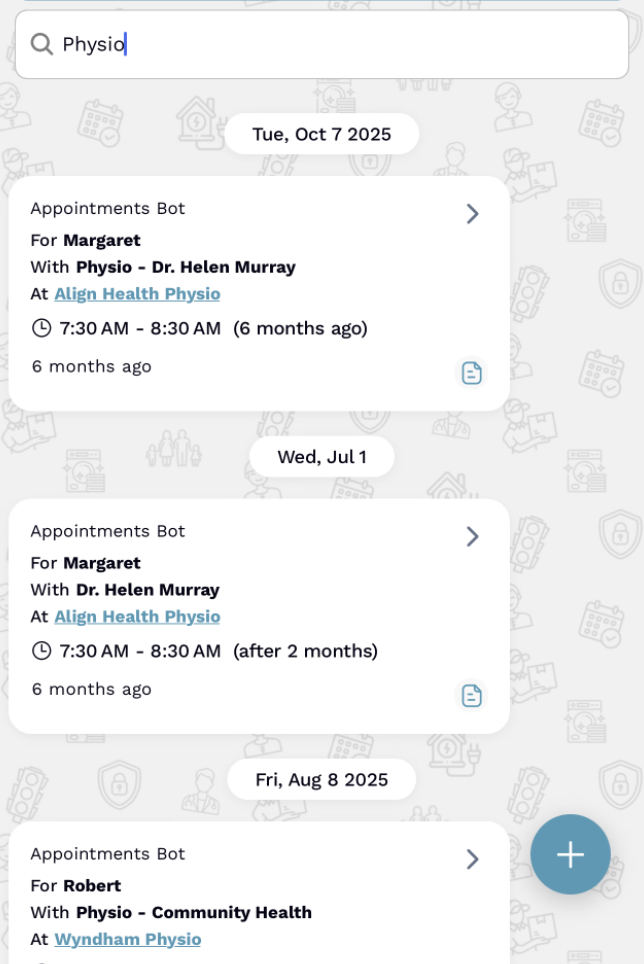
Deep Search
Find old and upcoming visits from one place. Search across appointment details, family members, notes, locations, and providers without digging through the feed.
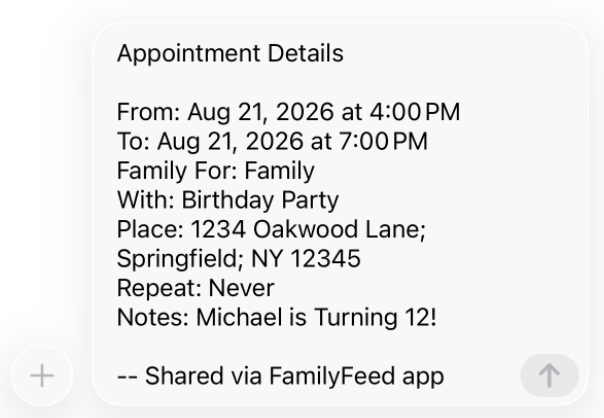
Seamless Sharing
Deep Customization
Chat view shows every appointment in a threaded timeline with time-ago labels, while Calendar view flips the same data into a familiar grid whenever you need the birds-eye plan.
Capture start and end times, who the visit is for, who is accompanying, the location, notes, and repeat preferences—all saved alongside the appointment.
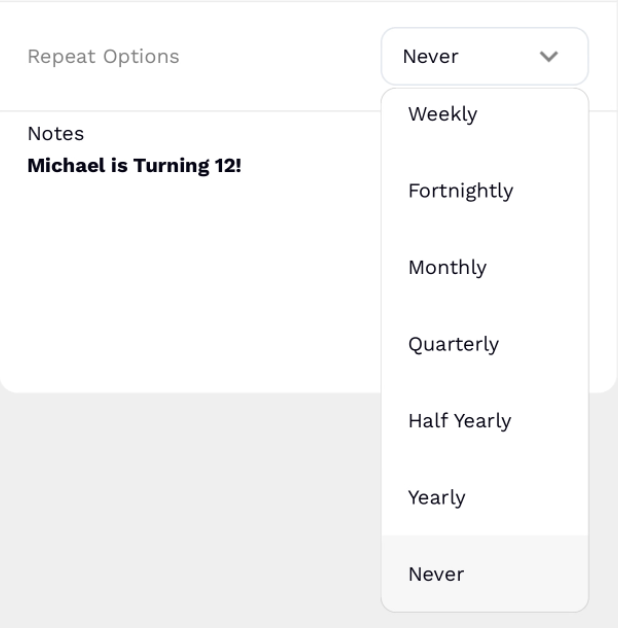
It does. Choose from repeat options like weekly or monthly when you create or edit a visit, and FamilyFeed keeps the cadence going.
Open the parent appointment and edit it. All future appointments created from that series update automatically.
For repeating appointments, you create the first one. AppointmentBot then generates the future occurrences based on that schedule.
When you schedule or update an appointment, FamilyFeed can push notifications to selected members so they never miss a change.
Use the built-in search bar to find visits by keyword, then scroll the infinite feed to revisit past care plans without exporting anything.
Open an appointment and use the share option to send date, time, and notes via your device share sheet—perfect for doctors or school staff.
Yes. When you view a visit, FamilyFeed spots similar upcoming appointments so you can avoid double-booking and keep routines balanced.
Future appointments can be adjusted or deleted from the detail view. Everyone assigned receives the update immediately.