💊 Care Hub
Medicines List
 Metrics
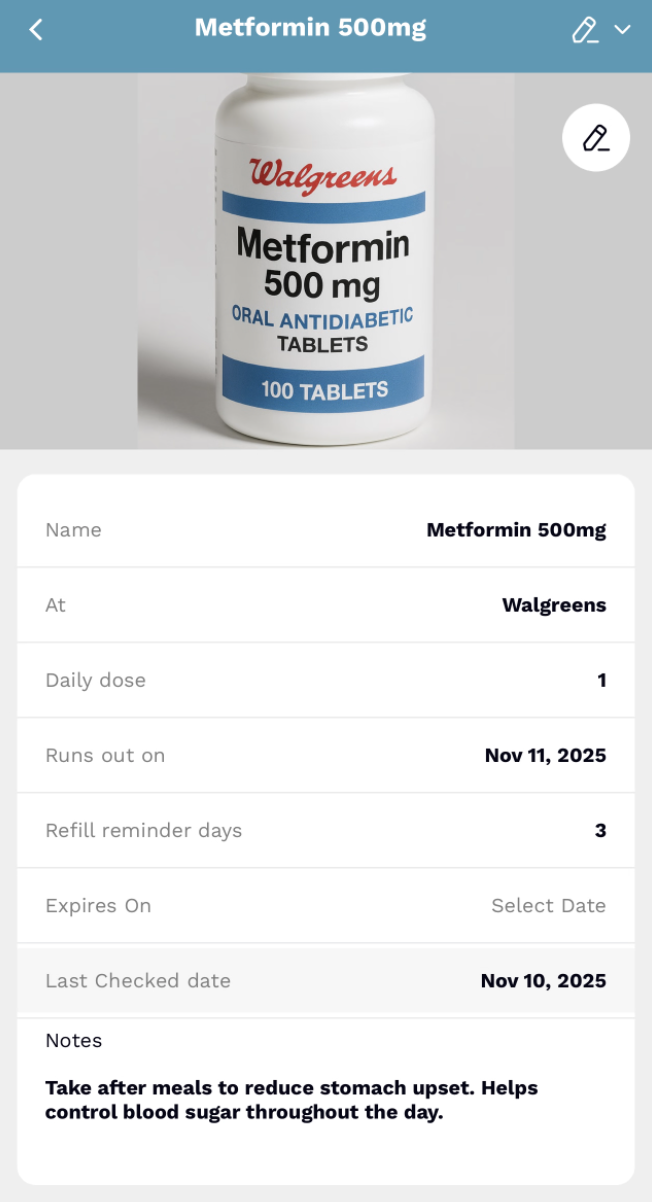 Item View
 Shared Lists Hub
Three core hubs, each with their own metrics and layouts designed for their specific purpose.
💊 Care Hub
Metrics
Item View
🛒 Shopping Hub
 Metrics
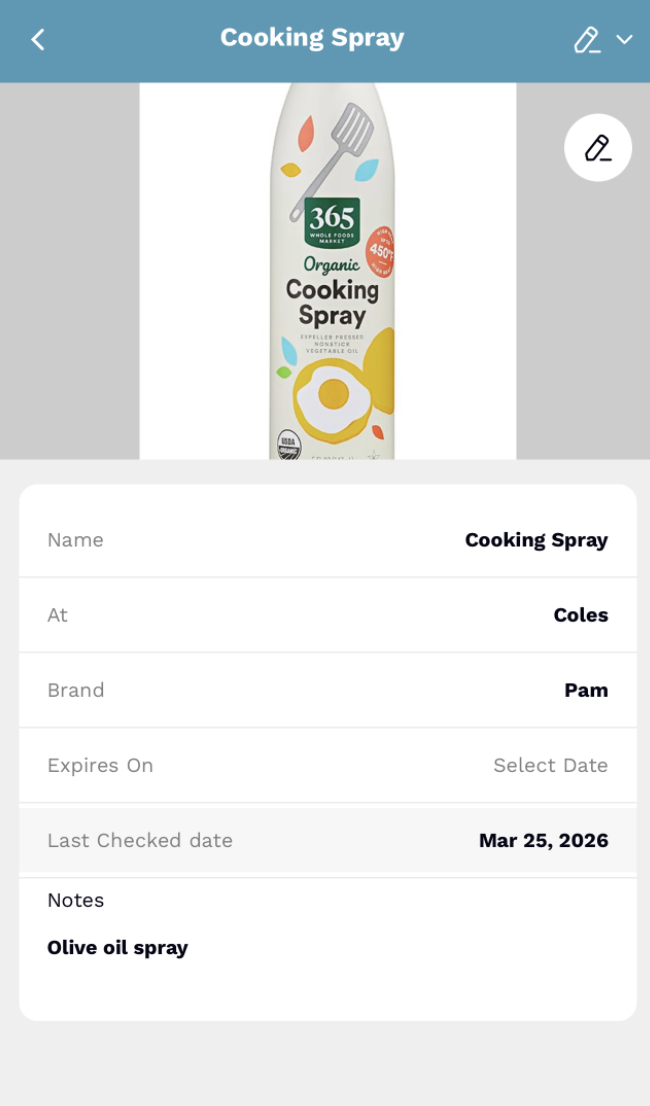 Item View
✈️ Adventure Hub
 Metrics
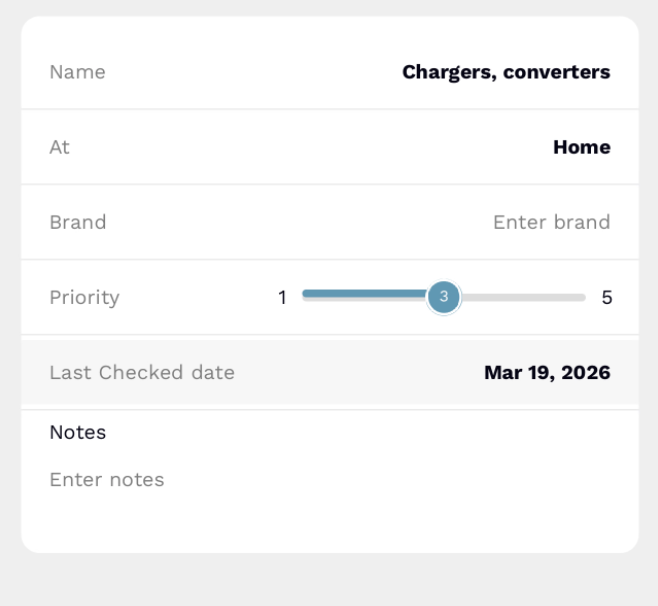 Item View
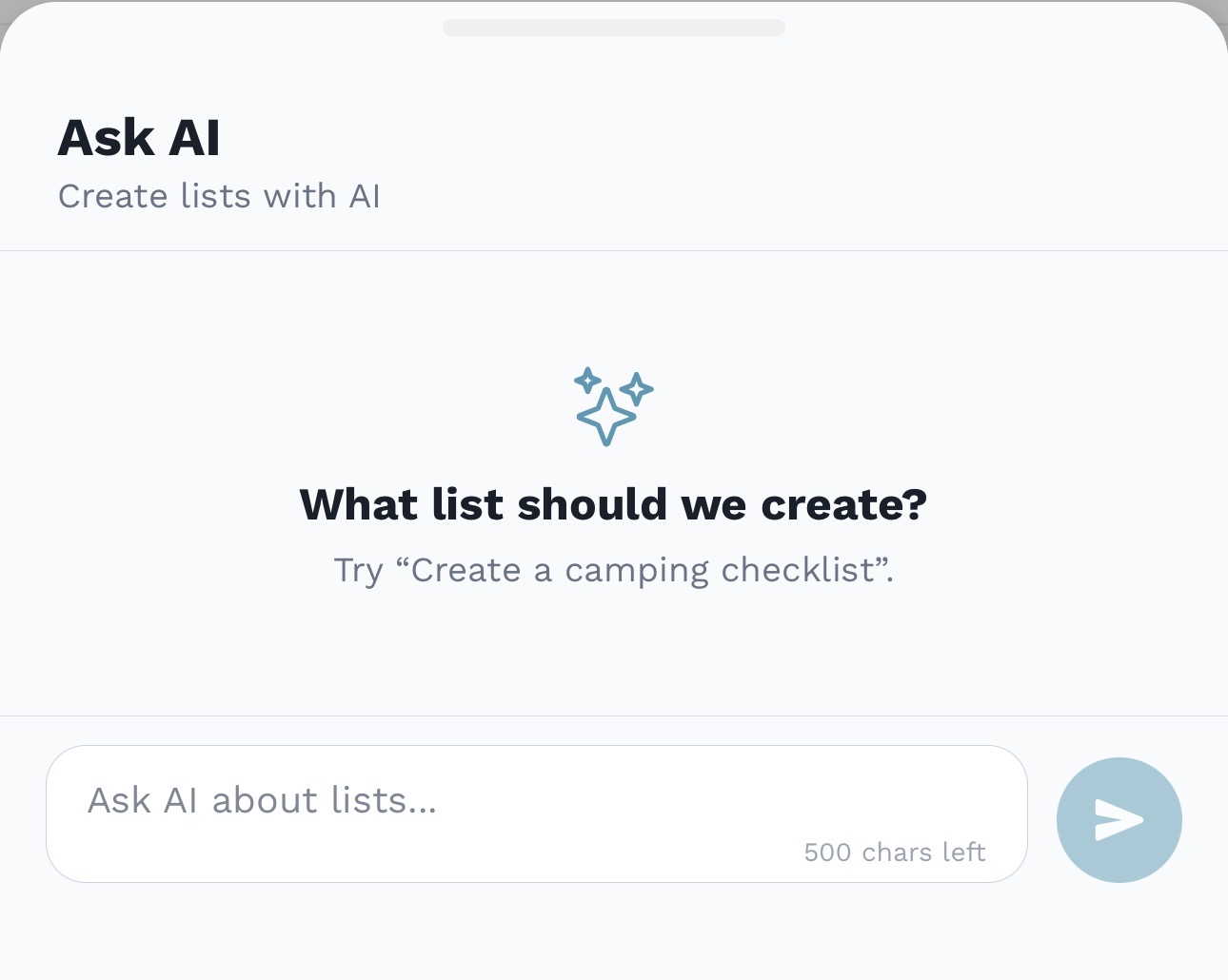
AskAI
AskAI can draft shopping, travel, and medicines lists from what you describe, with item details ready for review before saving.
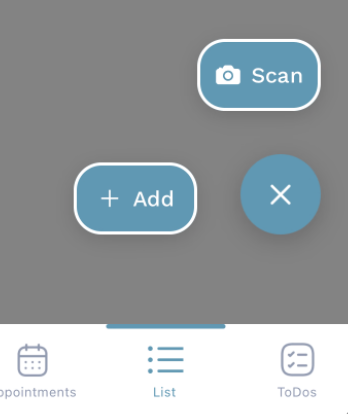
Vision Intelligence
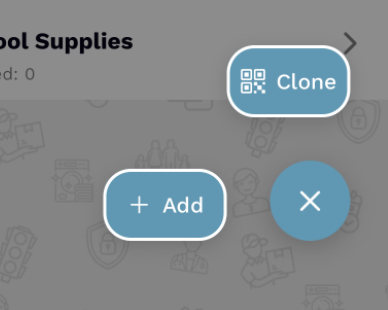
Shared Ecosystem
Visual Flexibility
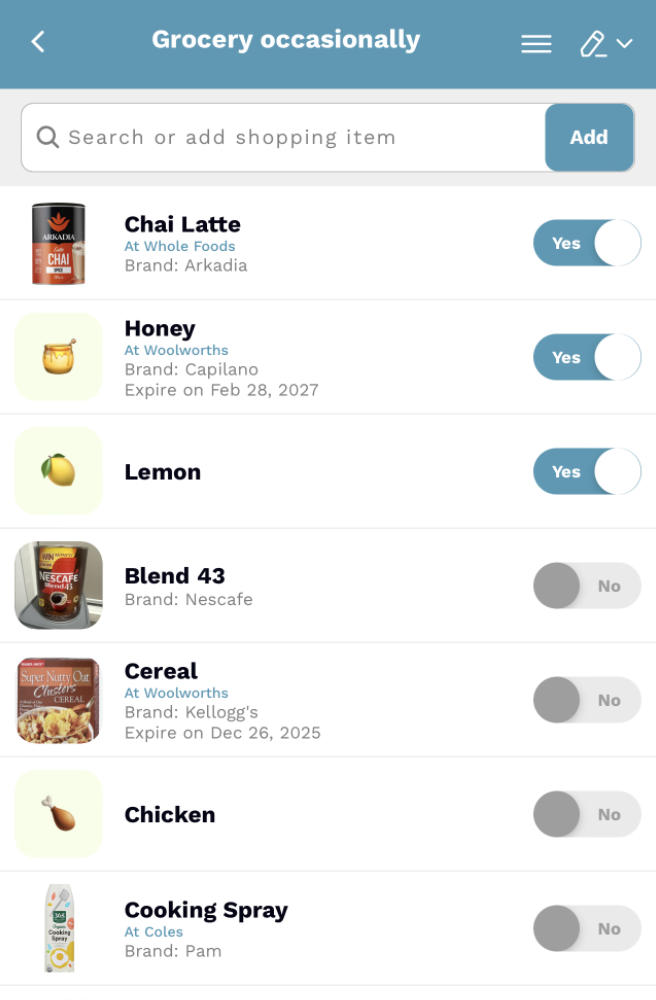
See brands, locations, and expiry dates at a glance.
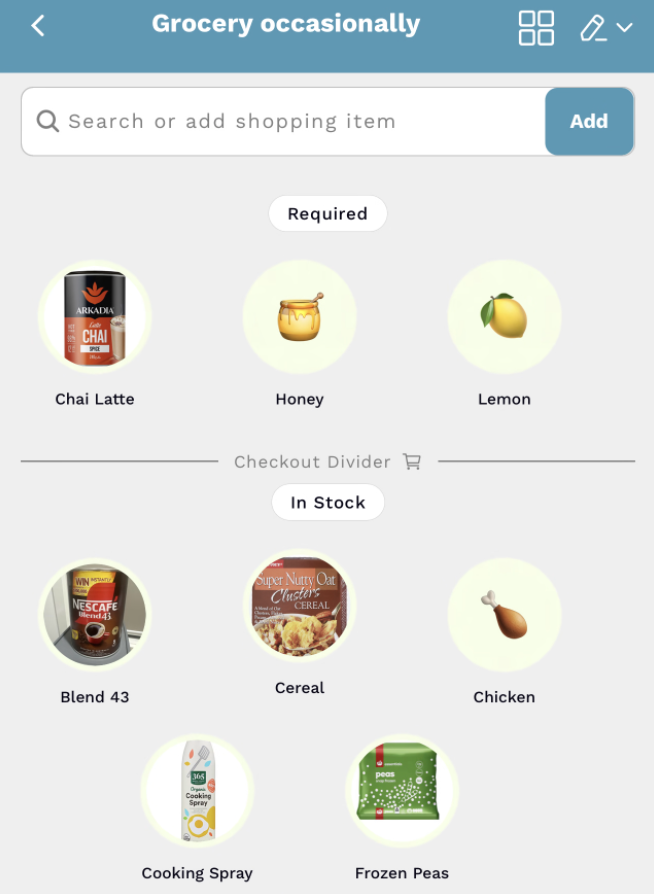
A balanced grid for quick visual recognition while on the move.
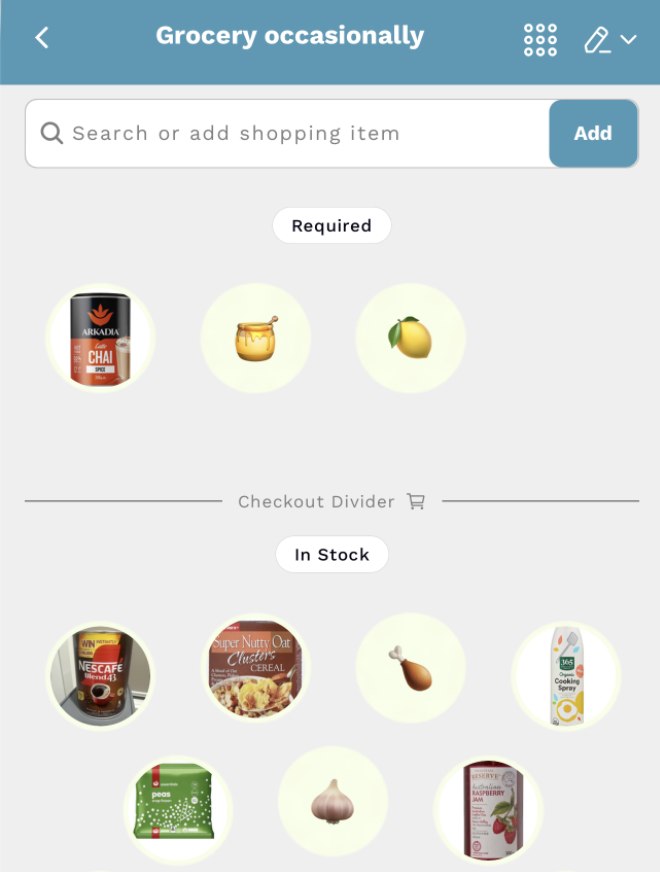
Large visual icons for high-speed scanning in the aisles.
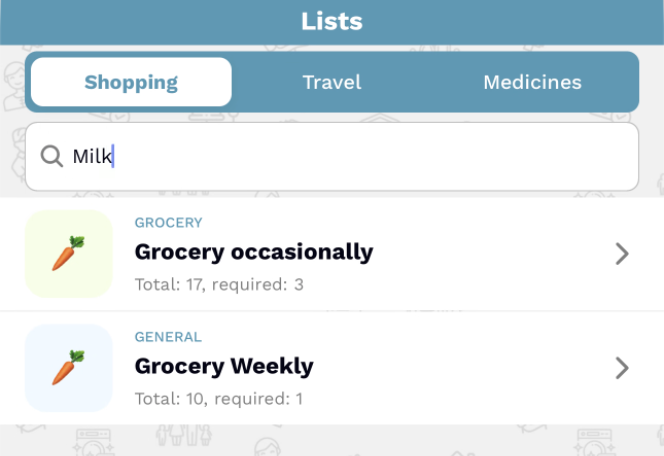 Global Search
Omniscient Search
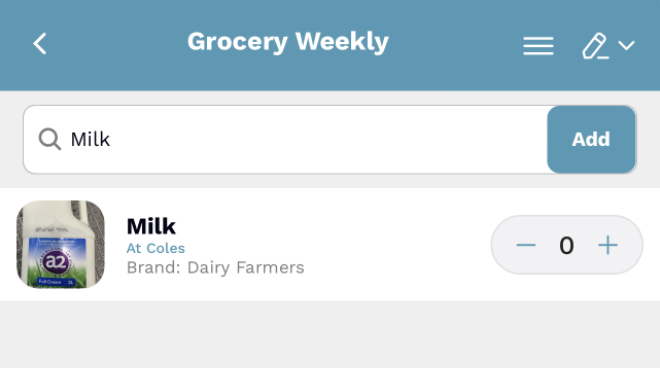 Local Search
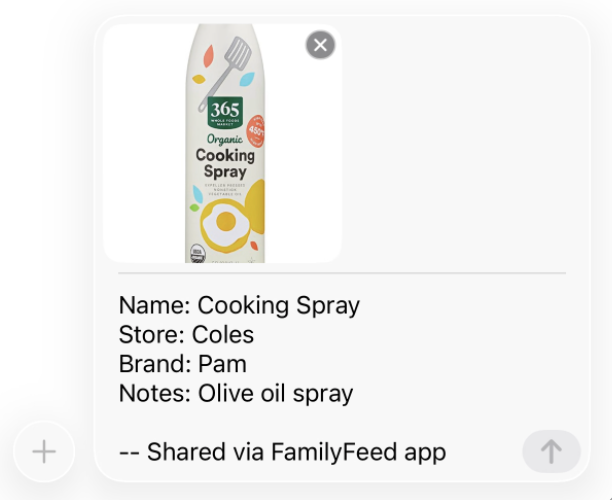 Item Share
Frictionless Sharing
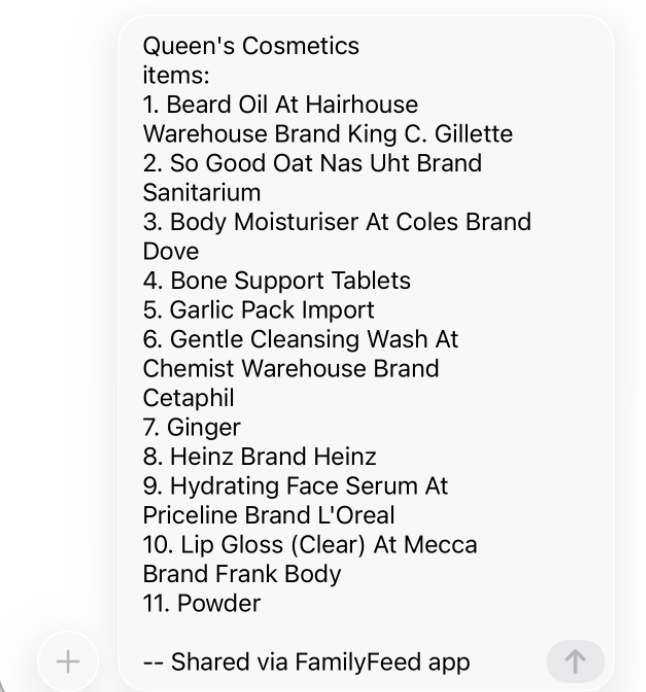 List Share
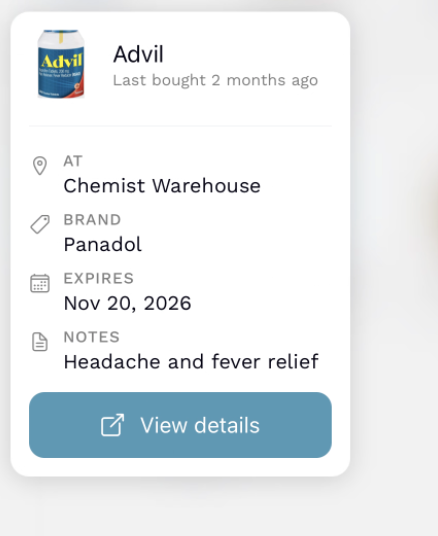
Shopping Memory
Each tab keeps related lists together, so groceries, trips, and medication plans stay organized and easy to find.
Yes. When you create a list, choose who it’s Family or a specific member—so the right person gets ownership and notifications.
Lists support two tracking modes: Counts for groceries or inventory, and Toggles for simple done/not-done tasks. Pick the one that fits each board.
Start with Shopping, Travel, or Medicines and dial it in with categories like Grocery, Kids, Road trip, or leave it as General—each choice shapes the emoji and filters you see.
It can. Creating, updating, or deleting lists and items triggers optional push notifications so teammates stay aligned without extra messages.
Exporting creates a copy you can save or send, while sharing generates a QR code so another family can import the list into their own hub.
Yes. Each list supports up to 100 items, and each family can create up to 25 lists—enough to stay organized without getting overwhelming.
Yes. Lists live inside your FamilyFeed hub; once you’ve created one, the Add List button opens the sheet to start planning immediately.

